Top 12 Online Proctoring Software 2026: Ensuring Exam Integrity


On this page
In an increasingly digital era, maintaining the integrity of exams has become a paramount concern for educational institutions and organizations alike. As technology continues to evolve, so does the need for reliable online proctoring software that can effectively monitor and deter cheating. With that in mind, we have curated a list of the 12 best online proctoring software options, ensuring that exam integrity remains uncompromised in this ever-changing landscape.
Introduction
Online proctoring is the use of technology to monitor and supervise online exams. It has become increasingly popular in recent years as schools and businesses have shifted to remote learning and work.
There are three main types of online proctoring:
- Live proctoring: This involves a human proctor monitoring the exam in real time. This is the most expensive and time-consuming type of proctoring, but it is also the most effective.
- Recorded proctoring: This involves recording the exam session and reviewing it later for any signs of cheating. This is less expensive than live proctoring, but it is not as effective, as the proctor cannot intervene if a student is cheating.
- Automated proctoring: This uses artificial intelligence (AI) to monitor the exam session for signs of cheating. This is the most affordable type of proctoring, but it is also the least effective, as AI can be fooled.
Why Screen Recording is the Best Online Proctoring Method
Screen recording is the best online proctoring method because it combines the benefits of live and recorded proctoring without the drawbacks. It allows you to record the entire exam session, so you can review it later for any signs of cheating. However, unlike recorded proctoring, you can also intervene if you see a student cheating.
Additionally, screen recording is more effective than automated proctoring because AI can be fooled. For example, a student could use a fake webcam to cheat on an automated proctoring exam. However, this would not be possible with screen recording, as you would be able to see the student’s entire screen.
It is worth noting that most of the tools in this roundup are built for higher education and corporate certification. Schools running IB or Cambridge exams on-screen tend to need lockdown at the platform level rather than a bolt-on proctor, which is the approach dedicated K-12 exam proctoring software like AssessPrep takes in international school settings.
Benefits of Screen Recording for Online Proctoring
- Cost-effective: Screen recording is a cost-effective online proctoring method because it does not require a live proctor. This means that you can save money on proctoring costs.
- Easy to use: Screen recording is an easy-to-use online proctoring method. There are many screen recording tools available, and most are user-friendly.
- Scalable: Screen recording is a scalable online proctoring method. You can use it to proctor exams for any number of students. For institutions looking to create their own proctoring systems, working with a custom software development team and outsourcing the whole process can help tailor a solution that meets their specific needs and compliance requirements.
Best Online Proctoring Tools Review 2026
ScreenApp - Screen Recording Proctoring
Browser-based screen recording with AI transcription and shareable review links
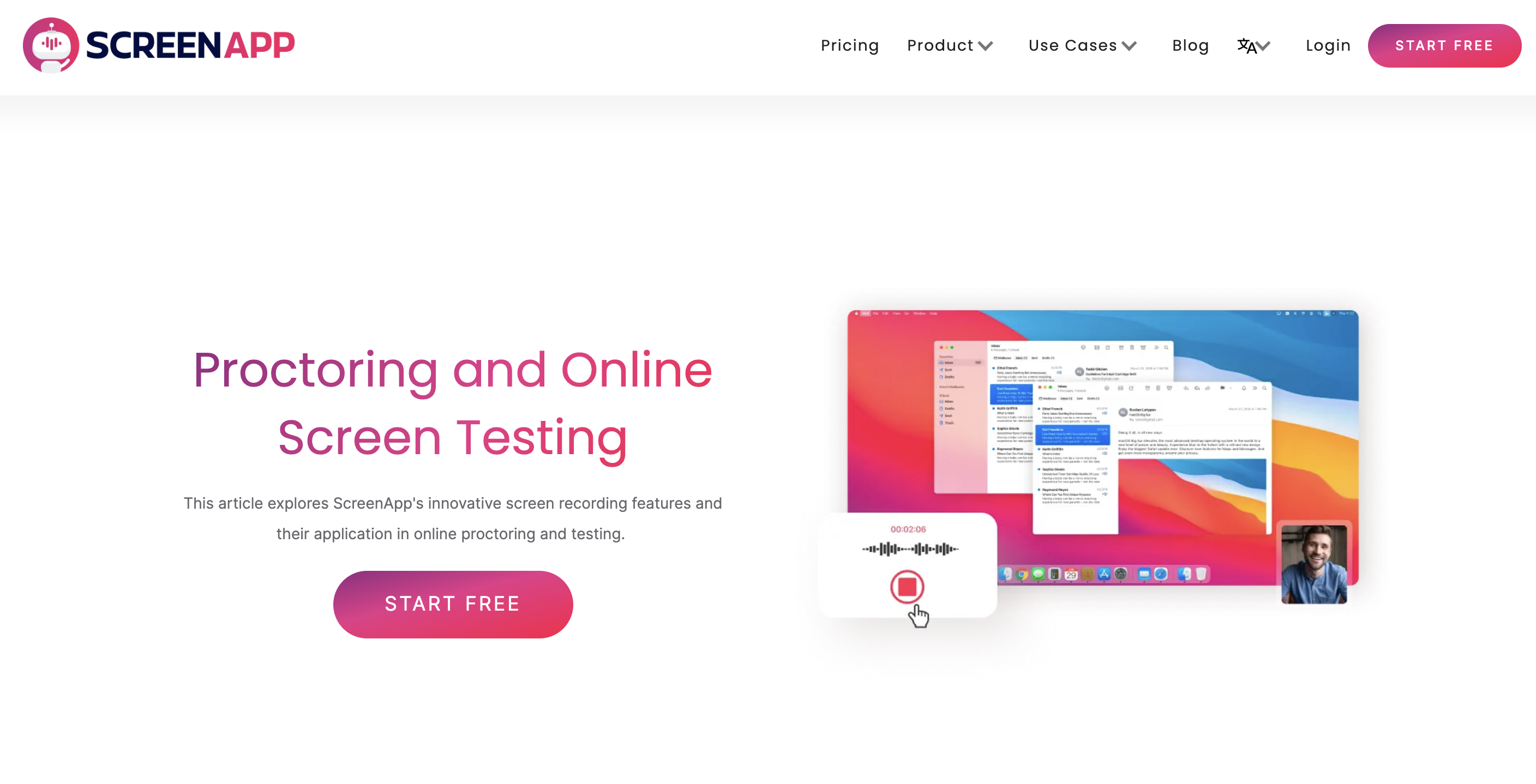
ScreenApp is a proctoring web software that enables users to record their screens and generate shareable links using AI technology. Educators get full access to student recordings in one place, without extracting files to personal computers. Cloud-hosted recordings can be peer-reviewed for fair grading. Available options include our online screen recorder, lecture recorder, and presentation recording software.
What to expect: ScreenApp is a recorder, not an exam engine. It captures the screen and camera in the browser, transcribes the audio, and gives you a shareable link to the recording for review afterwards. It does not set questions, enforce deadlines, or lock down a candidate's machine, so it suits asynchronous review rather than live invigilation. Transparency note: we built ScreenApp.
Pros
- •Recordings stay in the browser, no file extraction needed
- •In-built AI transcription and analysis
- •User-friendly interface and setup
- •Records screen and camera together
Cons
- •Requires manual start of recording
- •Limited live proctor intervention
- •Post-review only, not real-time monitoring
- •No exam engine, question bank, or LMS plugin
Best For
Educational institutions wanting affordable, scalable proctoring with automated transcription and analysis. Works well for asynchronous exams and lectures where recording is more important than live monitoring.
Honorlock - AI Plus Live Proctor Hybrid
AI-driven decisions with live proctor pop-in review for human oversight
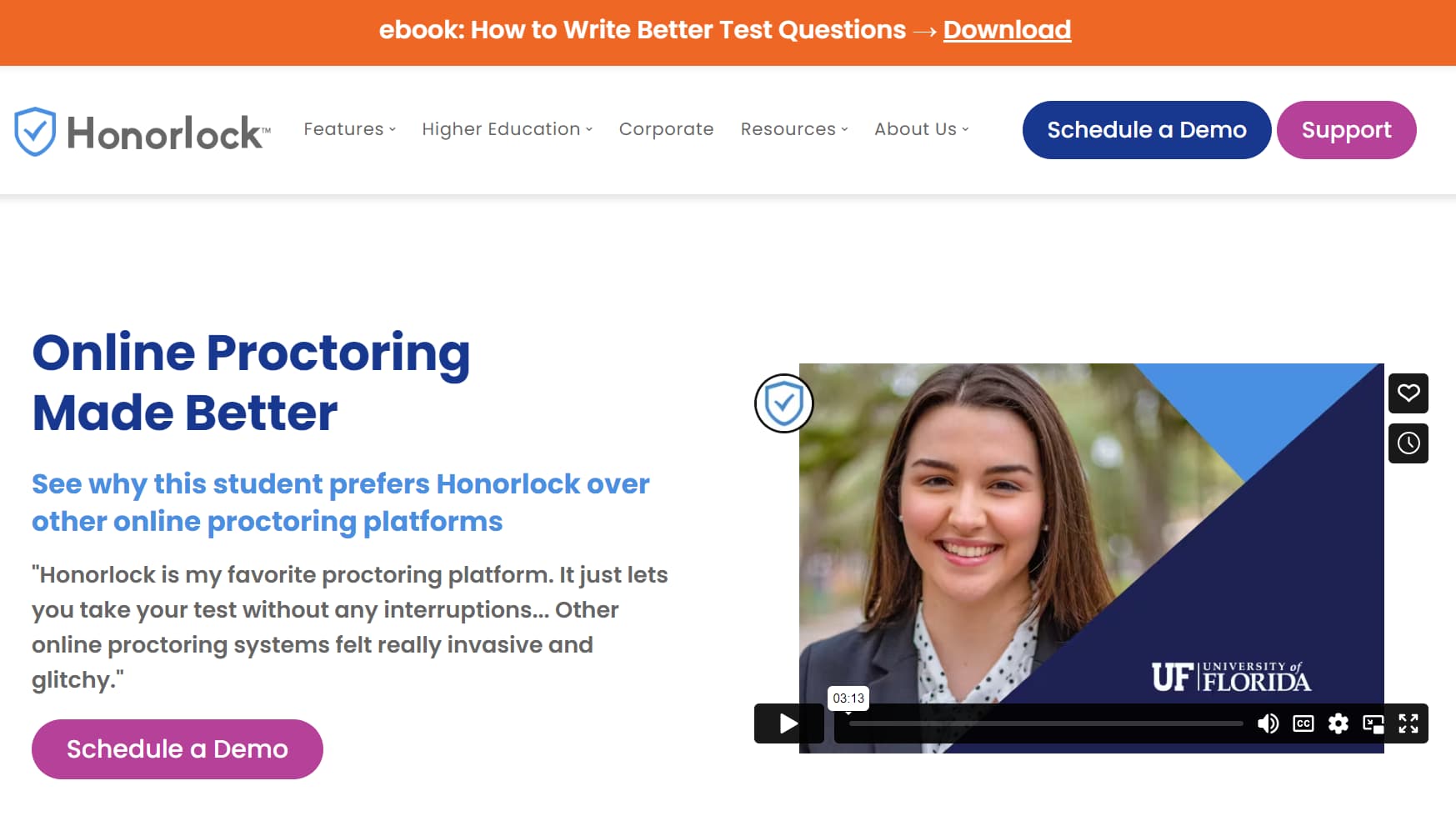
Honorlock combines AI software with live test proctors for hybrid oversight. Decisions are driven by artificial intelligence data, unlike systems relying solely on human judgment. Also used in corporate sector for remote proctoring to validate employee competencies and protect certification exam integrity.
What to expect: Honorlock integrates easily with LMS platforms. ID verification is efficient. Live proctor pop-in allows intervention when needed. Student support available 24/7/365. Limitation: cannot monitor secondary devices or network traffic beyond student’s primary computer. FERPA privacy standards maintained.
Pros
- •Hybrid AI plus live proctor model
- •Easy LMS integration
- •24/7 student support
- •FERPA compliant privacy
Cons
- •No public pricing available
- •Cannot monitor secondary devices
- •Institute-tied pricing varies widely
Best For
Institutions and corporations wanting hybrid proctoring with AI efficiency plus human oversight. Works well for high-stakes exams where live intervention capability is valuable. Best for schools already using LMS systems.
Proctorio - Bandwidth-Efficient Secure Proctoring
Low bandwidth, end-to-end encryption, browser extension with customizable lockdown
Proctorio is a comprehensive remote proctoring service with ID verification and exam monitoring. It has the lowest bandwidth requirements in the industry and prioritizes user privacy with end-to-end encryption. Browser extension integrates seamlessly with LMS and third-party assessment platforms.
What to expect: Customizable lockdown settings allow flexibility. Audio/video algorithms detect open books, browser activity, other people in room, and suspicious behavior. Free trials available. Canvas-integrated LMS is generally free. Per-exam or semester pricing options available depending on exam body requirements.
Pros
- •Lowest bandwidth requirements industry-wide
- •End-to-end encryption for security
- •Free with Canvas LMS integration
- •Advanced behavior detection
Cons
- •Requires browser extension
- •Pricing depends on exam body
- •Limited offline capability
Best For
Institutions seeking high security and low bandwidth requirements. Ideal for Canvas-integrated systems where cost-free integration is valuable. Works well for high-stakes exams where cheating detection is priority.
Examity - Flexible Human-Centric Proctoring
Choose your proctoring level - auto or live - with built-in curriculum manager
Examity has a human-centric approach, allowing clients to choose the proctoring level that best suits their needs. Serves secondary education institutions and corporate sector, including organizations dealing with enterprise testing.
What to expect: Supports both automated and live proctoring modes. Efficient ID verification process. AI-driven decision making. Works on both mobile and PC platforms. Built-in curriculum manager streamlines exam creation. Interface is intuitive and easy to navigate. Easy LMS integration but Chrome-only compatibility limits browser choice.
Pros
- •Choose between auto and live proctoring
- •Works on mobile and desktop
- •Built-in curriculum manager
- •Efficient ID verification
Cons
- •No free trial available
- •Chrome-only browser compatibility
- •Pricing varies by exam body
Best For
Institutions wanting flexible proctoring options with choice between automated and live monitoring. Good for schools and corporations that need mobile-compatible testing and built-in exam management.
Talview - AI Hiring and Proctoring Unified
Multi-language, multi-browser, with internal chat and self-service exam scheduling
Talview is an end-to-end, AI-powered hiring and proctoring software initially developed for corporate sector. It unifies screening, interviewing, and assessment processes. Recently adapted by universities and schools for virtual exam proctoring. Provides engaging experience using multiple digital mediums to detect dishonest behavior.
What to expect: Compatible with multiple browsers (Chrome, Firefox, Edge). Supports multiple languages for global assessments. Built-in exam scheduling streamlines test administration. Internal chat integration enables real-time communication. Self-service portal reduces administrative overhead. Effective behavior detection across multiple mediums.
Pros
- •Multi-browser compatibility
- •Support for multiple languages
- •Internal chat integration
- •Self-service portal reduces admin work
Cons
- •Best for hybrid hiring and proctoring
- •May be overkill for proctoring-only use
- •Pricing not publicly listed
Best For
Organizations needing unified hiring and proctoring platform. Ideal for global institutions and companies with multi-language requirements. Good for campuses and corporations that handle both recruitment and exam oversight.
Sherlock AI - Interview Fraud Detection
Silent monitoring for impersonation, deepfakes, and unauthorized assistance detection
Sherlock AI is an interview proctoring agent and integrity layer for remote hiring interviews. It detects interview fraud such as impersonation, hidden real-time assistance, AI-generated responses, and misrepresented skills. Silently joins Zoom, Google Meet, and Teams calls, monitoring behavioral, audio, and device signals without interrupting candidates.
What to expect: Detects hidden assistance tools like Cluely and Parakeet. Identifies deepfake and proxy interview attempts. Provides real-time alerts during interviews. Integrates with existing ATS and scheduling tools. Generates automated interview notes with performance and integrity insights. Includes AI fluency scoring when AI tools are permitted. Used by engineering, finance, healthcare, data, and IT organizations.
Pros
- •Detects sophisticated interview fraud
- •Silent monitoring doesn't interrupt candidates
- •Real-time alerts for live intervention
- •Works with existing ATS systems
Cons
- •Minimum $100/month for 10 interviews
- •Pricing scales quickly for higher volume
- •Specialized for hiring, not exams
Best For
Organizations conducting remote hiring interviews where interview integrity is critical. Engineering, finance, healthcare, data, and IT firms that need to prevent sophisticated fraud and impersonation attempts.
Mercer | Mettl - Enterprise Assessment Platform
AI assessor with recorded review and live proctor options, low bandwidth capable
Mercer | Mettl's platform is an end-to-end digital system for automated examinations. Includes both recorded session review and live proctor assessment options. Used by universities globally. Powered by AI-based automatic assessor that prevents cheating. Known for flagging suspicious behavior with careful vigilance.
What to expect: Works effectively on low internet bandwidth. Accommodates STT, RPL, NAPS, and Bloom assessments. Includes image recognition for document verification. Reference checking capabilities. Strict examinee authentication policies enforced. Global university adoption indicates reliability for large-scale assessments.
Pros
- •Works well on low bandwidth
- •Image recognition and reference checking
- •Trusted by global universities
- •Flexible assessment types supported
Cons
- •Relatively expensive pricing
- •Interface can be overwhelming
- •Steep learning curve for new users
Best For
Large universities and enterprises seeking comprehensive assessment platform. Ideal for organizations in low-bandwidth regions. Good for complex assessments requiring image recognition and reference verification.
ProctorTrack - AI Proctoring with QA Review
Automated AI proctoring with manual QA review and flexible pricing
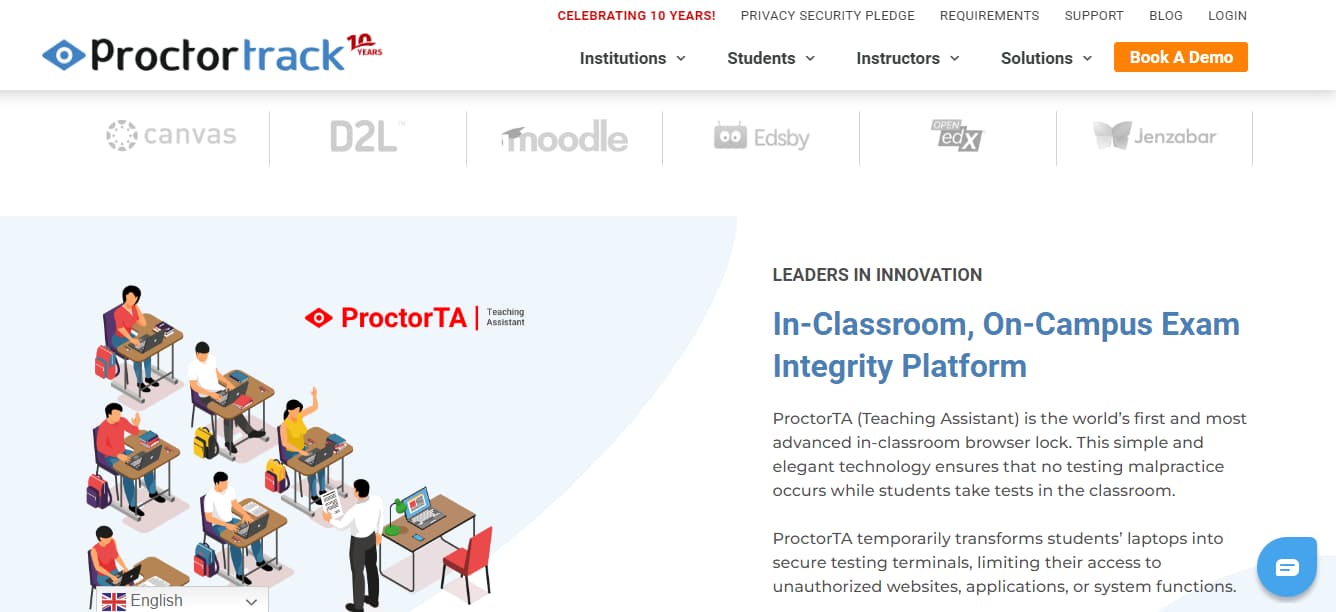
ProctorTrack automates proctoring via AI for K-12 and higher education exams. Integrates easily with Learning Management Systems to streamline exam administration. Particularly suited for programs governed by external accreditation bodies needing standardized oversight.
What to expect: AI-driven automation requires no human intervention for most proctoring tasks. Automated ID verification efficient and reliable. Supports mobile and desktop testing. Five configurable proctoring tools cover different oversight needs. Manual QA review ensures high accuracy. First-year discounts make entry cost competitive. Works well with accredited programs and certification bodies.
Pros
- •Fully automated AI-driven proctoring
- •Manual QA review ensures accuracy
- •Affordable, especially first year
- •Mobile-compatible testing
Cons
- •No public pricing information
- •Limited customization options
- •Pricing increases after year one
Best For
K-12 institutions and higher education programs seeking affordable automated proctoring. Ideal for schools using accredited or certification-body-governed exams. Good for institutions wanting AI automation with manual QA oversight.
Uxpertise XP - Browser Lockdown Proctoring
Automated proctoring with browser lockdown, multi-language support, pay-per-use pricing
Uxpertise XP is a web-hosted proctoring portal for corporate training, education, and certification programs. Enables exam creation and secure delivery. Blocks fraudulent activities by sending browser into complete lockdown, preventing other software use during exams.
What to expect: Automated proctoring and grading streamline exam administration. Supports multiple languages for global reach. Test scheduling portal makes calendar management easy. LMS integration straightforward. Pay-per-use model offers cost flexibility. Browser lockdown effective at preventing cheating. Free trial available for evaluation.
Pros
- •Effective browser lockdown prevents cheating
- •Automated grading saves time
- •Multi-language support for global use
- •Free trial for testing
Cons
- •Pay-per-use pricing can scale quickly
- •Limited live proctor oversight
- •Strict browser lockdown may frustrate users
Best For
Corporate training programs and certification bodies prioritizing security. Ideal for global organizations needing multi-language support. Good for institutions wanting automated proctoring without high fixed costs.
Examsoft - Assessment and Grading Platform
Comprehensive exam security with automatic grading and customizable reporting
ExamSoft provides heightened exam security and integrity for education and certification institutions. Offers administrators insights to improve candidate performance. Implements regulation in psychometrics, grading systems, exam creation, and assessment practices.
What to expect: Easy candidate management streamlines administration. Supports certification and licensing assessments. Automatic grading saves time and maintains consistency. Customizable reporting provides actionable insights. Built for academic institutions with flexible billing. Most universities offer term-based payment options. Affordable at $60 per academic year. No free trial, but pricing is transparent and competitive.
Pros
- •Very affordable at $60/year
- •Automatic grading system
- •Flexible payment installments
- •Customizable reporting
Cons
- •No free trial available
- •Limited proctoring oversight
- •Best for academic institutions
Best For
Educational institutions and universities seeking affordable exam management. Ideal for certification and licensing programs. Good for schools prioritizing automatic grading and comprehensive reporting without high costs.
ExamMonitor - AI Plus Human Review Model
AI + audio/video monitoring with human proctor review
ExamMonitor combines AI technology with human proctoring expertise to prevent fraud in schools, testing centers, and corporate training. AI detects suspicious patterns via audio and video monitoring. Human proctors review flagged exam data and make final decisions on potential cheating attempts.
What to expect: Supports multi-user environments efficiently. Customizable assessment configurations for different exam types. AI monitoring flags suspicious activity for human review. Compatible with most devices and operating systems. Free demo available to evaluate before commitment. Pricing structured based on exam governing body requirements. Hybrid approach balances automation cost with human oversight accuracy.
Pros
- •Human experts review AI findings
- •Works on most devices and OS
- •Customizable assessment types
- •Free demo available
Cons
- •Pricing varies by exam body
- •No transparent pricing
- •Requires sales consultation
Best For
Schools, testing centers, and corporations wanting hybrid AI-plus-human oversight. Ideal for institutions that value human expertise in cheating detection. Good for multi-device environments needing customizable exam configurations.
ProctorEdu - Live Proctor + Multimedia Proctoring
Human proctors with live chat, multi-screen recording, multi-language support
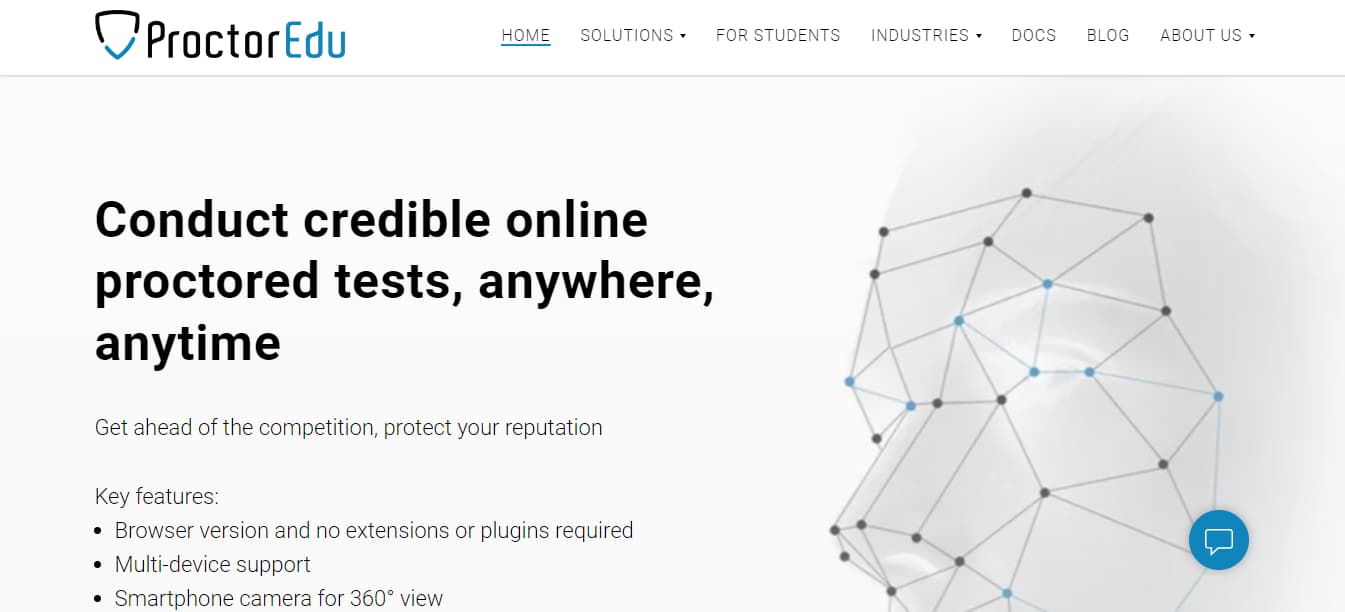
ProctorEdu delivers high-caliber exam proctoring through live human intervention. Supports multimedia proctoring with flexible proctor assignment (allotted or random) to minimize bias. Proctors can communicate directly with candidates via monitored live chat to address questions and concerns during exams.
What to expect: Multi-screen recording captures exam activity comprehensively. LMS integration straightforward. Multi-language support for global institutions. Automatic grading streamlines result processing. Monitored live chat enables proctor-student communication. User-friendly interface simplifies admin tasks. Widely adopted by universities for ease of administration. Flexible proctor assignment reduces bias. Priced at $20/month or $109.95/year.
Pros
- •Live proctor communication builds trust
- •Multi-screen recording comprehensive
- •Very user-friendly interface
- •Popular with universities
Cons
- •Pricier than some competitors
- •$20/month or $109.95/year
- •No free trial offered
Best For
Universities prioritizing live human proctoring and student communication. Ideal for institutions wanting user-friendly administration. Good for organizations valuing direct proctor-student interaction during exams.
Conclusion
Online Proctoring software continues to enable remote learning and facilitate ease of access to education across the globe. A vast majority of higher education institutions have mandated the use of digital education and enabled faster, more transparent, and startlingly accurate administering and grading of exams.
Although it’s difficult to conclude at the moment, a time where Online Proctoring may become the norm does not seem too far-fetched with the rapid development of AI technology in recent years. It is possible that AI-assisted proctoring will take precedence over human proctoring as it is proven to be cost and time efficient.
While most tools highlighted in this article are convenient, they serve different purposes and are customizable, according to the requirements of the subject. Educators across the globe are encouraged to explore all options available to ensure a smooth transition into online proctoring and adapt accordingly to tools that best fit their fields of study.