Can Claude Watch, Analyze, and Summarize Videos?

On this page
Claude cannot watch a video. Try to upload an MP4 to the chat and you get an unsupported-file-type error, because Anthropic’s upload list covers documents and images, not video. There is no audio input either, so Claude cannot hear a video’s soundtrack any more than it can see its frames. What Claude can do, and does well, is analyze what you extract from a video first: a transcript, a set of keyframes, or both, and it can drive the extraction itself through Claude Code.
That one paragraph is the honest answer to “can Claude watch videos.” The rest of this guide is the practical part: exactly where the boundary sits, three working workflows to get a video’s content into Claude anyway, and the point at which you should stop assembling a pipeline and hand the file to a tool built for this.
One documented detail sets the boundary better than any feature list. GIF is a supported image format, but Anthropic’s vision documentation states that animations are unsupported and only the first frame is used. Claude’s perception has no time axis. A video, to Claude, is a stack of stills and a text file, and that framing predicts everything below.
| Video task | Claude chat | Claude Code + tools |
|---|---|---|
| Upload an MP4, MOV, or WebM | No, unsupported format | Reads the file, cannot watch it |
| Hear the video's audio | No audio input at all | Via a speech-to-text model |
| Analyze extracted frames | Yes, up to 20 images per chat | Yes, automated |
| Summarize a transcript | Yes, its strongest video skill | Yes |
| Transcribe the video itself | No | Yes, by running Whisper or an API |
| Answer questions about the video | After you provide extracts | Yes, over the processed output |
| Watch a YouTube link | Reads the page, not the video | Downloads and processes instead |
What “watching a video” would actually require
Worth being precise here, because “Claude can analyze videos” and “Claude can watch videos” get used interchangeably and they are different claims.
Watching means following speech, reading on-screen text, recognizing what is happening visually, noticing scene changes, and connecting all of it in time: the presenter said “click here” at 3:42 while the cursor moved to a specific button. Models like Gemini ingest video natively and can do some of this. Claude cannot. Its supported uploads are documents (PDF, DOCX, TXT, CSV and friends) and still images (JPEG, PNG, GIF, WebP), capped at 30 MB per file and 20 files per chat. MP4, MOV, WebM, AVI, and MKV are simply not on the list, and no prompt changes that.
A transcript is not a substitute for watching, either. It captures every word and none of the pixels. For a lecture, that is most of the value. For a software demo where the presenter says “then you just do this” while clicking through four menus, the transcript records a sentence that means nothing without the frames. Match the extraction to the video: talky videos need the transcript, visual videos need the frames, and most real videos need some of both.
What Claude analyzes well, once you feed it
Claude’s reasoning over extracted video content is genuinely strong, which is why the workflows below are worth the effort at all.
Give it a timestamped transcript and it will pull out topics, decisions, action items, named people and terms, questions raised, and quotable lines, and it handles long transcripts better than most chat models because of its large context window. This is the “can Claude summarize videos” answer: yes, superbly, one step removed from the video.
Give it frames and it reads slides, interfaces, charts, products, and on-screen text. The catch is sampling: a frame every 10 seconds compresses a 20-minute demo into 120 images, which is already six times the per-chat upload cap, so you will be choosing 20 frames that matter. Scene-change frames beat evenly spaced ones. Anything that flashes briefly (an error message, a notification) is likely to fall between your samples, and Claude cannot flag what it never saw.
The strongest results come from handing it both at once, labeled: the transcript plus keyframes named by timestamp, with one line telling Claude how they relate. That gives it speech and visuals on a shared timeline, which is the closest a no-video model gets to having watched.
How to summarize a video with Claude
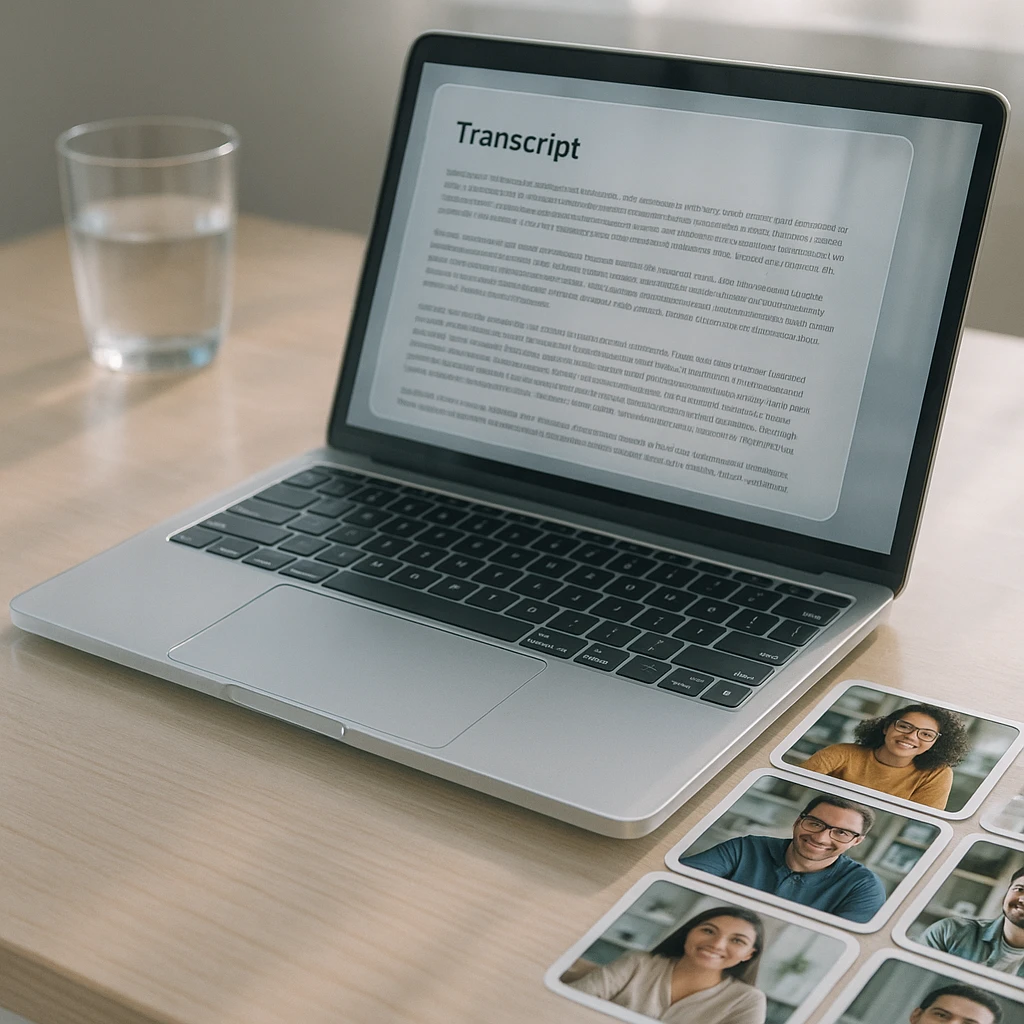
Transcribe the video with a dedicated tool. A video to text converter takes the MP4 or a link and returns a timestamped transcript.
Export as TXT, DOCX, PDF, or SRT. Keep the timestamps; they are what turn a summary into a navigable one.
Upload the transcript to Claude and ask for the format you want: bullet notes, chapters, action items, a study guide, a blog draft.
Verify names, numbers, and anything you plan to quote. Speech-to-text mangles proper nouns, and Claude will confidently summarize the mangled version.
A prompt that earns its keep:
Summarize this video transcript in 10 bullet points with timestamps. Then list every decision made, every action item with its owner if named, and any question that was asked but never answered.
That last clause, questions asked but never answered, is the kind of thing Claude is unusually good at catching across a long transcript and a human reviewer skims right past.
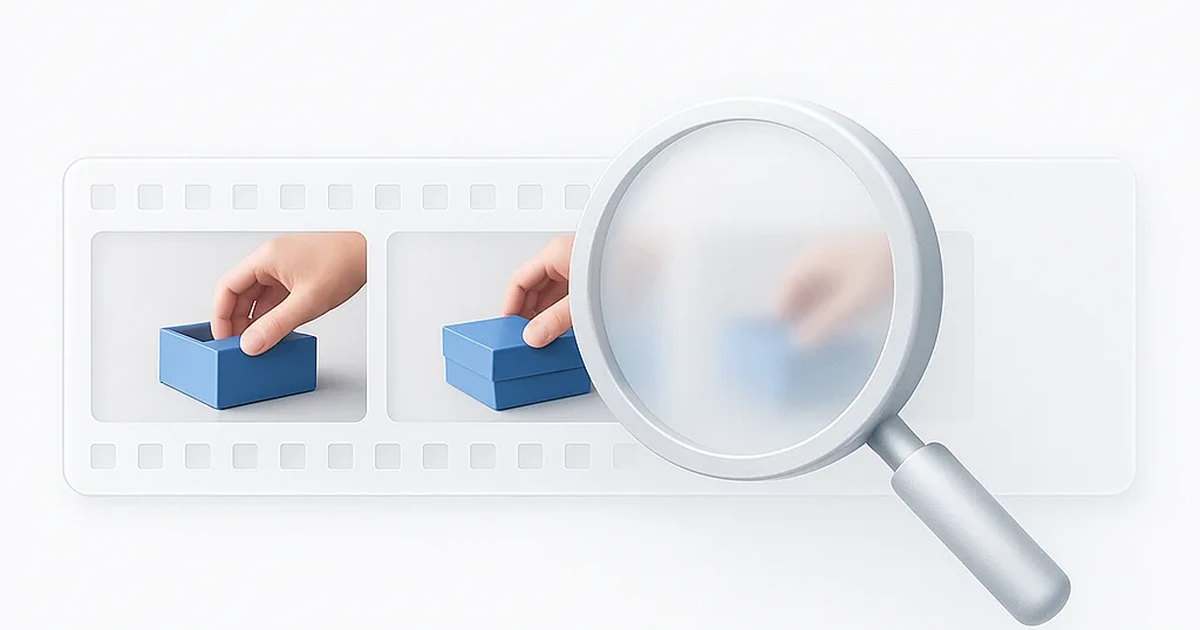
Capture the frames that matter: scene changes, slides, moments where the screen content shifts. Screenshots work fine for a handful; FFmpeg automates it for more.
Name each image with its timestamp before uploading. "frame-0342.png" tells Claude when, not just what.
Upload up to 20 and ask Claude to walk them in order: what is shown, what changed since the previous frame, what on-screen text appears.
The multimodal version, and the one I would use for anything that matters: generate the timestamped transcript, extract keyframes at scene changes, label the frames with their timestamps, and upload both with a one-line brief ("the images are keyframes from the same video as this transcript, timestamps match"). Ask for a summary that references both what was said and what was shown. This is more assembly work than either method alone, and it is the only version that catches the demo moments where the words and the screen tell different halves of the story.
The Claude Code route, for people who process videos weekly
If you do this once, the manual methods above are fine. If you do it every week, Claude Code turns the whole extraction into a script you never think about again.
The division of labor: FFmpeg pulls the audio track and dumps frames at scene changes, a speech-to-text model like Whisper turns the audio into a timestamped transcript, and Claude Code writes the commands, runs them, reads the errors, and then does the part it is actually good at: reasoning over the combined output into a summary, chapter list, or structured JSON. Claude never touches the video. It conducts the tools that do.
Ask it for something like “build me a script that takes an MP4, produces a Whisper transcript and scene-change frames, and writes a markdown report with timestamped chapters,” and you will have a working pipeline in one sitting. Expect to feed the first transcript back with corrections (Whisper’s guess at product names is an adventure), and expect a long video to take real processing time on a laptop.
What about YouTube links?
Pasting a YouTube URL into Claude does less than people assume. With web access, Claude fetches the page, which gets it the title, the description, and the comments, not the video stream. Whatever it tells you about the content beyond that is inference from the page text, delivered in a confident voice. I have seen it produce a plausible-sounding “summary” of a video it structurally could not have watched, which is worth remembering any time an answer arrives suspiciously fast.
The working YouTube path is the same as everywhere else in this guide: get the transcript first, then bring it to Claude. For YouTube specifically there is a shortcut, since most videos already have captions; a tool that pulls them directly is faster than transcribing from scratch, and we covered that whole workflow in how to chat with YouTube videos.
The version where you skip all of this
Everything above assembles a watching apparatus around a model that cannot watch. The other option is a tool where that apparatus is the product.
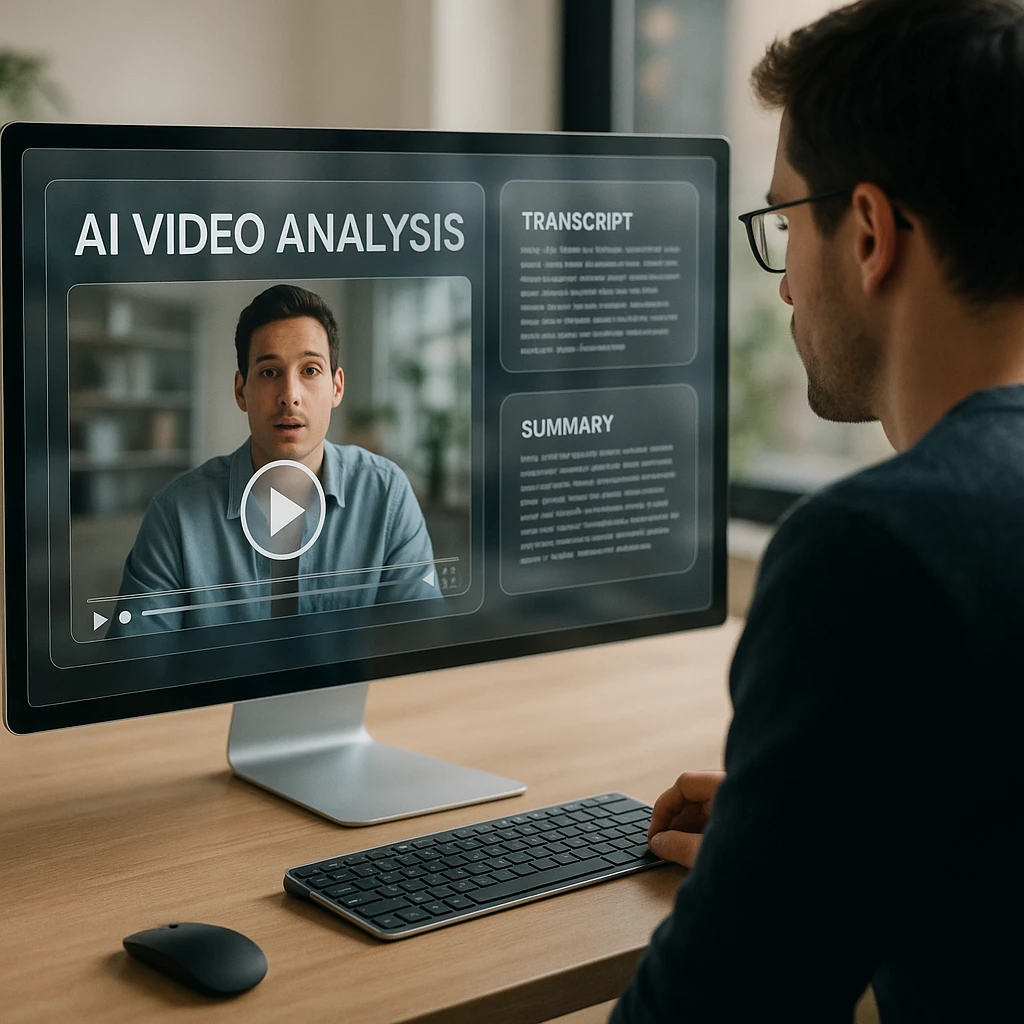
An AI video watcher takes the MP4, MOV, or link directly, runs the transcription and the visual analysis itself, and gives you a summary plus a question box aimed at the video, no FFmpeg, no frame budgeting, no format wall. ScreenApp’s free tier includes 600 transcription minutes a month, which covers a season of weekly meetings. We compared the tools that can do this, ours included, in our roundup of AI tools that can watch videos.
The two approaches also stack. Let the video tool do the watching, export the transcript and summary, and hand those to Claude for the parts Claude is best at: rewriting for a different audience, comparing three videos against each other, or turning one recording into an article, a checklist, and a follow-up email. That split, dedicated tool for extraction, Claude for reasoning, beats either one alone.
Claude vs a dedicated video analyzer
| Capability | Claude | Dedicated video analyzer |
|---|---|---|
| Direct MP4 or link upload | No | Yes |
| Automatic transcription | Needs another tool | Built in |
| Visual scene analysis | Only on frames you extract | Runs on the full video |
| Transcript summarization and reasoning | Excellent, large context | Good, fixed formats |
| Ask questions about the video | After preprocessing | Immediately after upload |
| Custom automation and repurposing | The best there is | Limited |
| Coding required | For anything automated | None |
The honest sorting rule: start from what you are holding. If you have a transcript, or you need reasoning, comparison, and repurposing, Claude is the right tool and a pleasure to use. If you have a video file and the question “what is in this,” a dedicated analyzer answers it in the time Claude takes to reject the upload. And this whole boundary is not unique to Claude: ChatGPT has the same no-video wall with different edges, which we mapped in can you upload video or audio to ChatGPT. If your question is about making videos rather than understanding them, that is the sibling article: can Claude create videos.
A few limits to keep in view regardless of route. Sampled frames miss brief events. Speech-to-text mangles names, and every summary inherits the transcript’s errors. A very long transcript can still crowd a context window. And a confident summary is not a verified one: for anything with stakes, check the claims against the actual recording before you forward them.
So, can Claude watch videos? No, and it is not close: no video formats, no audio input, no motion, first frame only even on a GIF. Can it analyze and summarize videos? Yes, as well as anything on the market, the moment you hand it the video’s contents as text and stills. Get the extraction from a tool built for it, give Claude the reasoning work, and you have the best version of both.
Frequently Asked Questions
Can Claude directly watch an uploaded video?
No. Video formats are not on Claude’s supported upload list, so an MP4, MOV, or WebM is rejected before any analysis starts. Claude works on documents and images only.
Can I upload an MP4 file to Claude?
Not in chat; you get an unsupported-file-type error. In Claude Code the file can sit in your project folder, but Claude still cannot play or watch it, only run tools against it.
Can Claude listen to a video’s audio?
No. Claude has no audio input of any kind. To get spoken content into Claude, a speech-to-text model has to transcribe it first, and Claude works from the text.
Can Claude summarize a YouTube video?
Not from the link. With web access it reads the video’s page (title, description, comments), not the stream, and may produce a plausible summary it could not actually verify. Pull the transcript or captions first, then ask; the summary becomes real.
Can Claude analyze video frames?
Yes, and well. Upload screenshots or extracted keyframes (up to 20 images per chat, 30 MB each) and Claude reads slides, interfaces, charts, and on-screen text. Label frames with timestamps so it can reason about order.
Can Claude transcribe a video?
No. Transcription needs audio processing that Claude does not have. Use a transcription tool or a speech-to-text model, then bring the transcript to Claude for the analysis.
Can Claude analyze a screen recording?
Yes, through extracts: the narration as a transcript and the important screen states as frames. For screen recordings without narration, frames carry all the information, so extract them at every meaningful UI change.
Can Claude summarize a video without a transcript?
Only from frames, which covers what was shown but not what was said. For any video where the speech carries the meaning, no transcript means no real summary.
Can Claude Code process video files?
Yes, by orchestration. It writes and runs FFmpeg commands to extract audio and frames, calls a speech-to-text model for the transcript, and then analyzes the combined output. External tools do the video work; Claude Code directs them and reasons over the results.
Which video formats does Claude support?
None. Supported uploads are documents (PDF, DOCX, TXT, CSV, and similar) and images (JPEG, PNG, GIF, WebP). GIF uploads use only the first frame, per Anthropic’s vision documentation.
What is the best way to give Claude a video?
A timestamped transcript plus a handful of timestamp-labeled keyframes, uploaded together with one line explaining they come from the same video. That pairing gets Claude closest to having watched it.
What should I use if I just want the video analyzed now?
A dedicated video analyzer that accepts the file or link directly, transcribes it, and lets you ask questions immediately. Then export the transcript into Claude if you want deeper reasoning or repurposing on top.
FAQ
Can Claude directly watch an uploaded video?
No. Video formats are not on Claude's supported upload list, so an MP4, MOV, or WebM is rejected before any analysis starts. Claude works on documents and images only.
Can I upload an MP4 file to Claude?
Not in chat; you get an unsupported-file-type error. In Claude Code the file can sit in your project folder, but Claude still cannot play or watch it, only run tools against it.
Can Claude listen to a video's audio?
No. Claude has no audio input of any kind. To get spoken content into Claude, a speech-to-text model has to transcribe it first, and Claude works from the text.
Can Claude summarize a YouTube video?
Not from the link. With web access it reads the video's page (title, description, comments), not the stream, and may produce a plausible summary it could not actually verify. Pull the transcript or captions first, then ask; the summary becomes real.
Can Claude analyze video frames?
Yes, and well. Upload screenshots or extracted keyframes (up to 20 images per chat, 30 MB each) and Claude reads slides, interfaces, charts, and on-screen text. Label frames with timestamps so it can reason about order.
Can Claude transcribe a video?
No. Transcription needs audio processing that Claude does not have. Use a transcription tool or a speech-to-text model, then bring the transcript to Claude for the analysis.
Can Claude analyze a screen recording?
Yes, through extracts: the narration as a transcript and the important screen states as frames. For screen recordings without narration, frames carry all the information, so extract them at every meaningful UI change.
Can Claude summarize a video without a transcript?
Only from frames, which covers what was shown but not what was said. For any video where the speech carries the meaning, no transcript means no real summary.
Can Claude Code process video files?
Yes, by orchestration. It writes and runs FFmpeg commands to extract audio and frames, calls a speech-to-text model for the transcript, and then analyzes the combined output. External tools do the video work; Claude Code directs them and reasons over the results.
Which video formats does Claude support?
None. Supported uploads are documents (PDF, DOCX, TXT, CSV, and similar) and images (JPEG, PNG, GIF, WebP). GIF uploads use only the first frame, per Anthropic's vision documentation.
What is the best way to give Claude a video?
A timestamped transcript plus a handful of timestamp-labeled keyframes, uploaded together with one line explaining they come from the same video. That pairing gets Claude closest to having watched it.
What should I use if I just want the video analyzed now?
A dedicated video analyzer that accepts the file or link directly, transcribes it, and lets you ask questions immediately. Then export the transcript into Claude if you want deeper reasoning or repurposing on top.