Customer Feedback Videos: 10 Ways to Collect and Analyze Them With AI

On this page
Customer feedback videos tell you things surveys structurally cannot: the sigh before the answer, the cursor hovering over the button nobody finds, the feature request phrased in words you would never have used. The catch has never been collecting them. It is that twenty feedback videos is ten hours of watching, so most collected feedback dies unwatched in a folder.
That is why this guide has two halves. The first is the ten collection methods, from testimonials to focus groups, each with the practical setup. Before you read a group session for themes, it is worth checking how evenly people actually participated, because a theme that came from one talkative person is not the same finding as one the room arrived at. The second is the part the 2023 version of this playbook did not have: the AI analysis workflow that transcribes every recording, summarizes it, and finds the themes across all of them, so collecting more feedback no longer means watching proportionally more video.
Pick two collection methods, not ten. One always-on channel (reviews or support recordings) and one deliberate one (interviews or usability sessions) beats a scattergun.
Make recording one click. Every extra step between "I'll give feedback" and a running recorder halves your response rate.
Transcribe everything on arrival. A transcript makes each video searchable and is the raw material for every analysis step after it.
Let AI find the patterns. Summaries per video, then themes across videos. Your time goes to the decisions, not the watching.
The ten methods at a glance, ordered roughly by how often they pay off first:
| Method | Effort to run | What it tells you |
|---|---|---|
| Feedback analysis tooling | Low, one-time setup | Makes every other method analyzable |
| Screen recordings of product use | Low | Where users actually get stuck |
| Video testimonials | Medium | What convinced your happiest customers |
| Customer interviews | High | The deepest needs and pain points |
| Support videos | Medium | Which problems recur, straight from tickets |
| Video surveys | Medium | Structured answers with tone attached |
| Focus groups | High | How opinions form in a group |
| Website and app usability recordings | Low | Friction on specific tasks |
| Video reviews | Low, ongoing | Public proof plus honest criticism |
| Social media monitoring | Low, ongoing | Unprompted opinions you did not ask for |
1. Set Up a Video Feedback Analysis Tool First
The order matters: tooling before collection, because feedback you cannot analyze is feedback you will not use. Video customer feedback analysis tools like ScreenApp, Dovetail, or UserTesting exist to close that gap between “we have recordings” and “we know what they say.”
ScreenApp is ours, so weigh this paragraph accordingly, but the relevant pieces for feedback work are concrete: AI screen recording to capture customers using your product, video transcription so every recording becomes searchable text, an AI notetaker that keeps structured notes from interviews and support sessions, and a feedback summarizer that pulls the key points and recurring complaints out of each recording. The free plan covers 2 transcriptions of recordings up to 45 minutes each, which is enough to test the workflow before paying.
Dovetail leans toward research repositories (tagging, highlights, cross-study analysis) and UserTesting toward recruited usability panels with its own participant pool. Pick by where your feedback will come from: recruited strangers, UserTesting; your own customers and calls, a transcription-first tool; a dedicated research team with rituals, Dovetail.
2. Ask Customers to Record Themselves Using Your Product
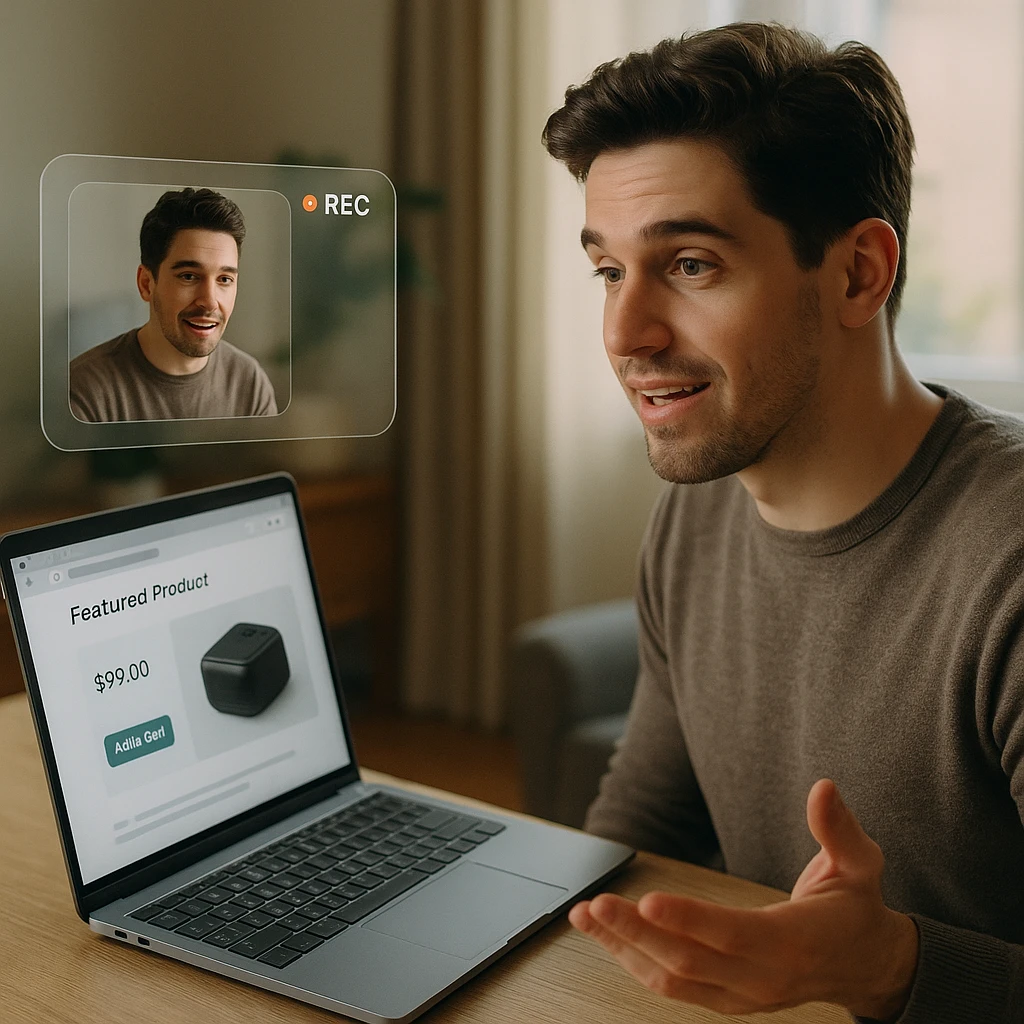
Watching a customer actually use your product beats any description of them using it. The screen recording shows the hesitation, the wrong menu, the workaround they invented, and it produces feature requests grounded in observed friction, which you can then triage against what people ask for through feature request tools.
Make recording one click. Send a link that opens a recorder in the browser; our guide on how to request a screen recording shows the flow. Anything that requires installing software will cost you most of your volunteers.
Give clear, short instructions. What to show, roughly how long, and what to think aloud about. A work instruction template like SweetProcess's keeps the brief consistent across every request.
Offer something for the effort. A discount or a draw entry. Recording yourself is a real ask, and paying for it in some form is both fair and effective.
Be transparent about how recordings are used. The consent-based marketing principle applies directly: people share more, and more honestly, when they know exactly where the video goes.
3. Collect Video Testimonials From Your Happiest Customers
A testimonial recorded by a real customer in their own words carries a kind of credibility no copywriter can manufacture, and the recording doubles as feedback: listen to which features they praise unprompted, because that is your actual differentiator, whatever your homepage currently claims.
Start with the customers who already email you nice things. Enthusiasm you did not solicit is the best predictor of a testimonial worth publishing.
Make the recording easy. A script outline, a length target, and an offer to record it together on a call.
Distribute deliberately. Publish on your website, and let automated email marketing deliver testimonials to prospects at the right stage instead of manual attachments.
Make it compound. A refer-a-friend idea gives each testimonial customer a referral link to share with their video, so the person most motivated to spread it is the one in it.
4. Run Video Interviews for Depth
Interviews are the expensive method and the one that finds the things you did not know to ask about. The craft is mostly restraint:
Recruit for representativeness. People like the customers you want more of, with varied experience of the product.
Prepare questions, follow the surprises. The scripted list is a floor, not a rail.
Ask open-ended questions, then stop talking. The silence after an answer is where the second, truer answer lives.
Bookend it properly. Two minutes of rapport before substance; a thank-you and a what-happens-next at the end.
The analysis debt is where interview programs die, because eight one-hour interviews is a full working day of watching. This is the method that benefits most from the AI workflow at the end of this guide: transcribe, and the interviews become a searchable corpus instead of a queue. We cover the mechanics separately in how to convert a video interview to text, and if you run interviews at volume, the AI interview assistant roundup compares the tooling.
5. Record Customer Support Videos, and Mine the Recordings Both Ways
Support videos work in two directions. Outward, a short video answering a common question deflects tickets: customers watch at their own pace, rewind, and solve it themselves, which frees your contact center team for the genuinely hard cases. Providers like Abacus BPO build this self-service layer into cloud contact center operations directly.
Inward, your support interactions are a feedback goldmine you already own. Many teams use contact center QA software to spot which issues keep needing agent help, which is exactly the priority list for the next support videos to record. Pairing that with outbound sales software closes the loop on proactive outreach when a known issue affects specific accounts. Teams handling higher call volumes are increasingly turning to AI contact center solutions to triage the easy tickets automatically, freeing agents for the calls where a human actually changes the outcome.
Pick topics from tickets. The issues support keeps answering are the videos worth recording first.
Stay under three minutes, skip the jargon. Show the steps on screen rather than describing them.
Make them findable. On the site, in onboarding emails, and inside your help center, where a proper knowledge base software keeps the right video attached to the right article.
6. Use Video Surveys for Structured Questions With Tone Attached
A video survey is a normal survey where the answers arrive as recordings, which means you get the words and how they were said.
Specific beats general. "What did you like least about checkout?" over "How satisfied are you?"
Under five minutes total. Longer than that and completion collapses.
Meet customers where they are. A link in the post-purchase email, plus a printed or on-screen code: generate QR code access that takes someone from packaging or a receipt straight to the recorder.
Track which touchpoint works. Tools like Uniqode's QR Code generator add branding and tracking to those codes, so you learn where responses actually come from.
7. Run Video Focus Groups When You Need the Group Dynamic
Focus groups earn their overhead when the interesting data is how opinions interact: where one customer’s complaint gets nods, where the room splits.
Pick a specific, actionable topic. An online jeweler asking about its augmented reality jewelry try-on feature will learn more in an hour than one asking "thoughts on our store?"
Recruit a deliberately diverse mix. Sameness in the room produces sameness in the findings.
Ask open-ended questions and listen. Follow up on the points that get reactions from the rest of the group.
Summarize takeaways at the end. While everyone can still correct you, which they will.
Record the whole session. Crosstalk is precisely where transcription with speaker labels pays for itself, because "three people talked over each other at minute 40" is usually where the finding is.
8. Capture Usability Recordings of Your Website or App
The narrowest method and the fastest to act on: ask customers to record themselves completing a specific task on your site or app, and watch where reality diverges from your flowchart.
Keep it browser-based. Give them a way to record their feedback without installing anything.
Assign concrete tasks. "Find and change your billing address" beats open exploration, because friction shows up on tasks, not tours.
Collect a closing thought on camera. How it felt, in their words, right after doing it.
Five recordings of the same task will surface the same snag three times. That repetition is the finding; fix it, then re-run the same task next quarter.
9. Encourage Public Video Reviews
Video reviews are testimonials you do not control, which is what makes them persuasive to buyers and uncomfortable and useful for you.
Reduce the friction. Clear instructions, an incentive, and a dedicated review page kept findable with page order WordPress controls so it does not sink beneath newer content.
Distribute at the consideration stage. Weave reviews through your email marketing customer journey, where third-party voices work hardest.
Treat review pages as search assets. Give them descriptive titles, internal links from related product pages, and a spot in your sitemap, so testimonial and review content is actually visible in search rather than orphaned.
Read the critical reviews twice. They are the free consulting.
10. Monitor Social Media for the Feedback Nobody Sent You
Customers post video opinions about products constantly, tagged sloppily or not at all, and unprompted feedback has a candor the solicited kind never quite matches.
Search manually at small scale. Your brand and product names on YouTube, TikTok, and Instagram, monthly.
Automate past that. Social listening tools track mentions across platforms so the video complaint with 40,000 views does not reach you via a screenshot from your CEO.
Feed it into the same pipeline. Transcribe, summarize, tag the themes. A creator's three-minute rant is a focus group of one with excellent production values.
The Analysis Half: Turning Feedback Videos Into Decisions With AI
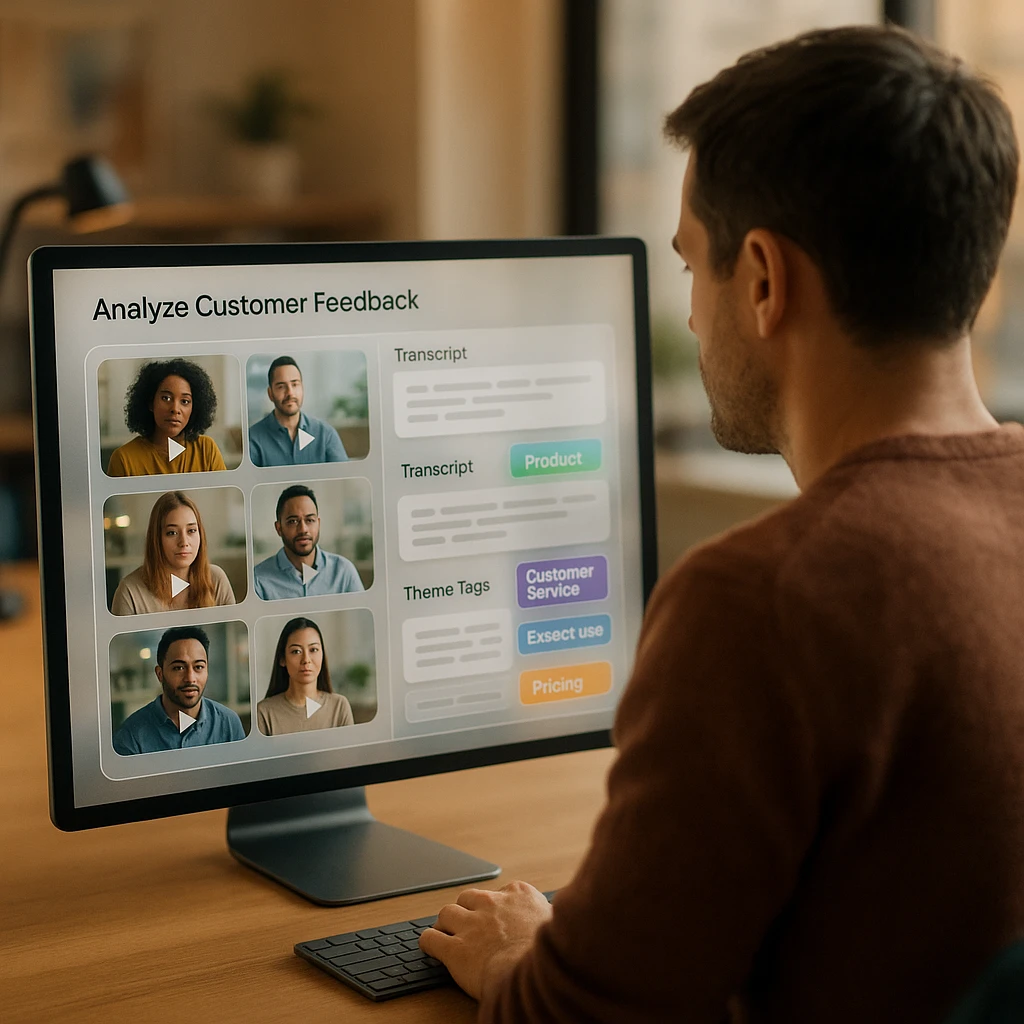
Here is the uncomfortable arithmetic every feedback program eventually hits. Ten methods above, each producing recordings, and a 30-minute interview takes 30 minutes to watch. Collect seriously for a quarter and you own more feedback than anyone will ever view. The AI-driven workflow exists to break that ratio, and it is the difference between a feedback library and a feedback graveyard.
Transcribe on arrival. Every recording becomes timestamped, speaker-labeled text the moment it lands. This single habit makes the whole library searchable: "cancel subscription" across 60 videos, answered in seconds.
Summarize per video. Key points, complaints, and requests from each recording, so triage takes a minute per video instead of the video's own runtime.
Ask questions across the corpus. "What do customers say about onboarding?" against every transcript at once. A video analyzer that answers questions about recordings turns your archive into something you interrogate rather than scroll.
Tag themes and count them. The recurring complaint mentioned in 14 of 30 videos outranks the loudest single opinion. Counting themes is what makes video feedback quantitative enough to argue with in a roadmap meeting.
Keep the quotes. A verbatim customer sentence with a timestamp persuades a stakeholder faster than any chart. Pull them as you go; they are the artifacts that survive the meeting.
Two honest caveats. Transcription mangles product names and mumbled passages, so skim-check transcripts of anything you plan to quote. And AI summaries flatten emotion: the transcript of a frustrated customer reads calmer than the video plays, so for the recordings that matter, watch the two minutes around the strongest quotes. The analysis layer buys you selective watching, which was the goal.
The recordings also earn a second life after analysis: interview clips become case study material, testimonial cuts, and onboarding content, a workflow we covered in how to repurpose interview content.
FAQ
What are customer feedback videos?
Recordings where customers show or tell you their experience: screen recordings of them using your product, testimonials, interview sessions, video survey answers, and public video reviews. They carry tone and context that written feedback strips out, which is their advantage and the reason they take more effort to analyze.
How do I collect video feedback without annoying customers?
Make recording one click in the browser, say clearly what you want and how long it should take, offer something for the effort, and be explicit about where the recording goes. Response rates collapse when any of those four is missing, and the install-an-app ask is the biggest single killer.
How does AI analyze customer feedback videos?
Through the transcript: the recording is transcribed with timestamps and speakers, then AI summarizes each video, extracts complaints and requests, and answers questions across the whole set. The video itself is not "watched"; the spoken content is analyzed as text, which covers most of what feedback analysis needs.
Can I analyze customer feedback videos automatically?
The pipeline automates well: transcription on upload, per-video summaries, and theme extraction across recordings run without manual work. The judgment steps stay human: deciding which themes matter, watching the emotional moments the transcript flattens, and choosing what to act on.
How many feedback videos do I need before the analysis is useful?
Themes start repeating surprisingly early: five recordings of the same usability task usually surface the same snag more than once, and 15 to 20 interviews is enough for theme counts worth taking to a roadmap discussion. The corpus becomes more valuable as it grows, which is an argument for transcribing from the first video rather than retrofitting later.
What is the difference between video feedback and video testimonials?
Feedback is collected to improve the product and can be critical; testimonials are collected to persuade prospects and are selected for enthusiasm. The same recording program can produce both, but mixing the goals in one request muddies each: ask for honest feedback or ask for a testimonial, not both at once.