10 Best Pinterest Video Downloader 2026: For Android, PC, Mac

On this page
Quick Answer: Best Pinterest Video Downloaders
10 tools compared for downloading Pinterest videos in MP4 without watermarks:
- Best overall: ScreenApp Video Downloader (multi-platform, 4K, free)
- Best desktop software: 4K Video Downloader+ (8K support, batch downloads)
- Best online tool: SavePin.app (no installation, completely free)
- Best mobile app: PinDownloader Pro (Android, background downloads)
You’ve found the perfect workout routine, recipe, or DIY project in a Pinterest video, but you know you’ll need to watch it again later - maybe somewhere without Wi-Fi. Pinterest’s official app doesn’t offer a direct ‘download video’ button, leaving you unable to save that valuable content offline.
This is your definitive guide on how to easily download any Pinterest video. We’ll cover the best free online tools, dedicated apps for Android and iPhone/iPad, and software for Windows and Mac - all focused on getting you a clean MP4 file without a watermark.
Quick Guide: Best Method for Your Device
| Your Device | Best Method | Key Feature |
|---|---|---|
| Any Device (PC/Mobile) | Online Downloader Website | Fast, free, no installation needed |
| Android | Dedicated Downloader App | Convenient for frequent downloads |
| iPhone / iPad | Safari + Online Downloader | Uses built-in browser features, no app needed |
| Windows / Mac | Desktop Software | Best for high-quality (4K) and batch downloads |
Important: Safety and Copyright Warning
Essential Safety Guidelines
Security First
- -Only use reputable downloaders recommended in this guide
- -Avoid tools requiring software installation - prefer browser-based options
- -Be wary of fake downloaders designed to steal data or install malware
- -Keep your antivirus software updated and active while downloading
Copyright Compliance
- -Only download videos for personal use (study, research, education)
- -Respect creators' intellectual property rights
- -Review U.S. Copyright Office fair use guidelines before downloading
- -Never redistribute downloaded content without explicit permission
Top 10 Best Pinterest Video Downloaders
| Pinterest Downloader | Platform Type | Free Plan | Quality Options | Rating |
|---|---|---|---|---|
| ScreenApp Video Downloader | Multi-Platform | Yes | 4K, 1080p | Our own tool |
| 4K Video Downloader+ | Desktop Software | Yes | 8K, 4K, 1080p | 5/5 |
| SavePin.app | Online Tool | Yes | 1080p, 720p | 4/5 |
| PinDownloader Pro | Android App | Yes | 1080p, 720p | 4/5 |
| Y2Mate Pinterest | Online Tool | Yes | 1080p, 720p | 4/5 |
| JDownloader 2 | Desktop Software | Yes | 1080p, 720p | 4/5 |
| Pinterest Video Save | Browser Extension | Yes | 720p, 480p | 3/5 |
| SnapDownloader | Desktop Software | No | 4K, 1080p | 4/5 |
| Video DownloadHelper | Browser Extension | Yes | 1080p, 720p | 3/5 |
| PinClipboard | Online Tool | Yes | 720p, 480p | 3/5 |
Pinterest Video Downloader Reviews
1. ScreenApp Video Downloader
The Complete Multi-Platform Solution
Best For: Users who need a comprehensive solution for downloading videos from Pinterest and dozens of other platforms in one powerful tool.
Key Features
Pricing: Free plan for basic downloading. AI features need a paid plan, Pro from $19/month billed annually.
Pros
- -Multi-platform support saves switching between tools
- -AI features add value beyond simple downloading
- -Professional-grade quality and reliability
- -Excellent customer support and regular updates
Cons
- -Advanced AI features require account creation
- -May be overkill for users only needing basic Pinterest downloads
2. 4K Video Downloader+
Premium Desktop Powerhouse
Best For: Power users who demand the highest video quality and advanced features like board downloading and format conversion.
Downloads up to 8K resolution from Pinterest. Batch download entire Pinterest boards. Built-in video converter for multiple formats. Smart Mode for automated preferences. Supports 1000+ video platforms. Professional tools include subtitle extraction, playlist downloading, advanced quality selection, and scheduling.
Pricing: Free version with limitations. Pro version $15 one-time purchase for full features.
Pros
- -Industry-leading video quality preservation
- -Comprehensive desktop application with full control
- -Excellent for bulk downloading operations
- -Regular updates and strong community support
Cons
- -Desktop-only (no mobile app)
- -Interface may overwhelm casual users
- -Free version has download limitations
3. SavePin.app
Elegant Online Simplicity
Best For: Casual users who want a clean, simple interface for quick Pinterest video downloads without installation.
Clean, ad-free interface. Downloads videos and high-resolution images. Multiple quality options (1080p, 720p, 480p). Works on all browsers and devices. No registration required. Simple three-step process: paste Pinterest URL, choose quality, download instantly.
Pros
- -Completely free with no hidden costs
- -Fast and reliable downloading
- -Mobile-friendly responsive design
- -No software installation needed
Cons
- -Limited to Pinterest only
- -No advanced features like batch downloading
- -Quality options depend on original video
4. PinDownloader Pro
Android's Best Pinterest App
Best For: Android users who frequently download Pinterest videos and want a dedicated mobile app with advanced features.
Native Android app optimized for mobile. Built-in gallery for organizing downloads. Background downloading capability. Batch download from multiple pins. Share directly to other apps. Mobile-optimized with quick share from Pinterest app, notification download progress, storage management tools, and auto-organize by date or board.
Pricing: Free with ads. Premium version $2.99 removes ads and adds advanced features.
Pros
- -Seamless integration with Android sharing
- -Fast downloads optimized for mobile networks
- -Offline viewing with built-in media player
- -Regular updates and responsive developer
Cons
- -Android only (no iOS version)
- -Free version includes advertisements
- -Requires app store installation
5. Y2Mate Pinterest
Reliable Online Converter
Best For: Users who want a trustworthy online tool with consistent performance and format conversion options.
Multiple format support (MP4, MP3, WEBM). Fast processing and download speeds. Convert Pinterest videos to audio files. No registration or software required. Supports quality selection.
Pros
- -Long-standing reputation for reliability
- -Multiple output formats available
- -Fast processing times
- -Works across all devices and browsers
Cons
- -Interface includes some advertisements
- -Limited to single video downloads
- -No advanced features like batch processing
6. JDownloader 2
Open Source Powerhouse
Best For: Tech-savvy users who want a free, open-source solution with extensive customization and support for hundreds of sites.
Free and open-source software. Supports 300+ video hosting sites. Advanced queue management. Plugin system for extended functionality. Cross-platform (Windows, Mac, Linux).
Pros
- -Completely free with no limitations
- -Massive site support beyond Pinterest
- -Highly customizable and extensible
- -Strong privacy protection
Cons
- -Complex interface for beginners
- -Requires installation and setup
- -Learning curve for advanced features
7. Pinterest Video Save
Browser Extension Convenience
Best For: Chrome and Firefox users who want one-click downloading directly from Pinterest pages.
Browser extension for Chrome, Firefox, Edge. One-click download from Pinterest pages. Integrates directly into Pinterest interface. No need to copy/paste URLs. Lightweight and fast.
Pros
- -Seamless integration with Pinterest browsing
- -No external websites needed
- -Quick and convenient downloading
- -Minimal interface disruption
Cons
- -Limited quality options
- -Browser-specific installation required
- -May break with Pinterest interface updates
8. SnapDownloader
Premium Professional Tool
Best For: Professional users who need premium features, customer support, and guaranteed performance.
Professional desktop application. 4K video downloading support. Playlist and channel downloading. Built-in video converter. Priority customer support.
Pricing: Starting at $19.99 for lifetime license.
Pros
- -Professional-grade reliability
- -Excellent customer support
- -Regular updates and maintenance
- -Clean, ad-free interface
Cons
- -Not free (paid software only)
- -May be expensive for casual users
- -Desktop installation required
9. Video DownloadHelper
Firefox Extension Leader
Best For: Firefox users who want a well-established browser extension with broad site support.
Popular Firefox extension (also available for Chrome). Detects downloadable videos automatically. Supports hundreds of video sites. Format conversion capabilities. Queue management.
Pros
- -Long-established and trusted extension
- -Broad site compatibility
- -Active development and updates
- -Large user community
Cons
- -Interface can be cluttered
- -Some features require premium upgrade
- -May slow down browser performance
10. PinClipboard
Simple and Functional
Best For: Users who want a basic, no-frills tool for occasional Pinterest video downloads.
Simple web-based interface. Basic video downloading functionality. No registration required. Mobile-friendly design. Quick processing.
Pros
- -Straightforward and easy to use
- -No complicated features to confuse users
- -Reliable for basic downloading needs
- -Completely free to use
Cons
- -Limited quality options
- -No advanced features
- -Basic interface design
- -Single video downloads only
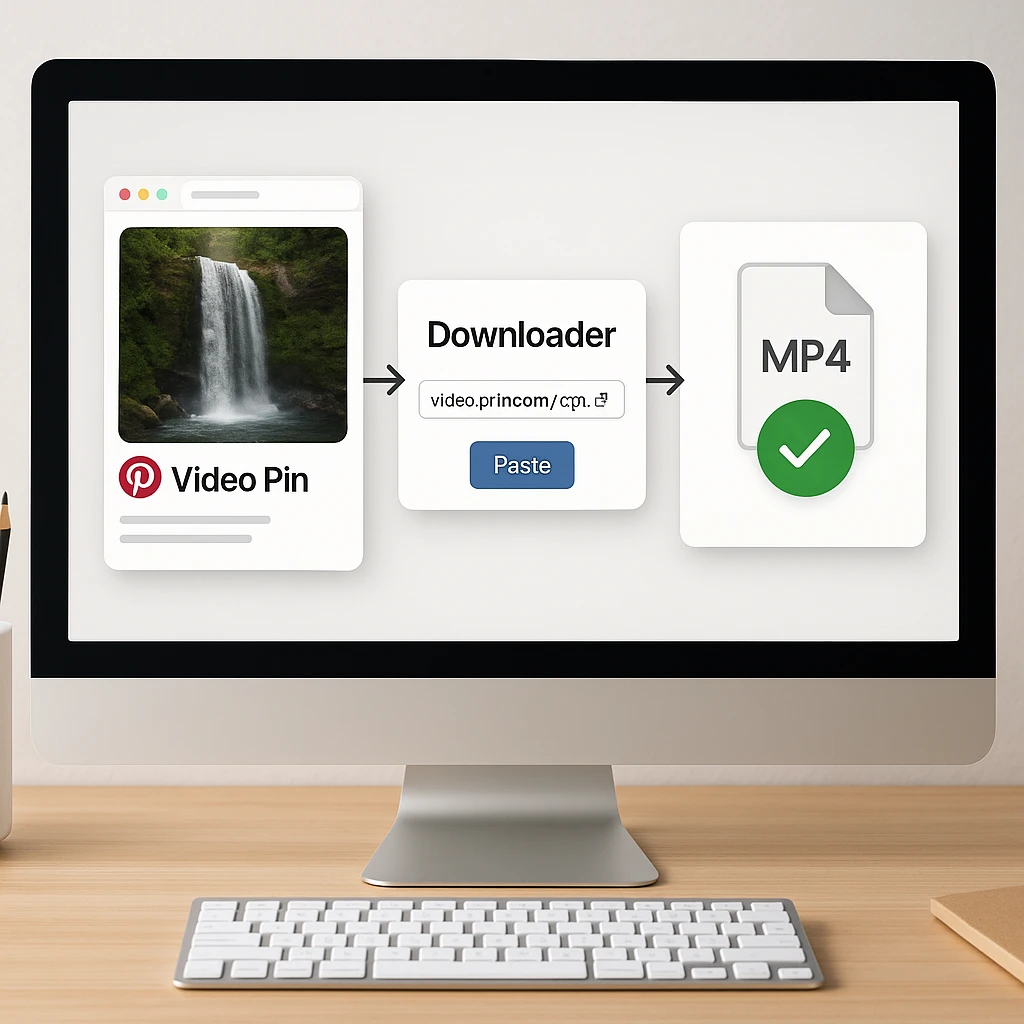
The Simple 3-Step Process for Any Tool
Copy the Link
Go to the Pinterest pin and copy its URL.
Paste the Link
Paste the URL into your chosen downloader.
Download
Select quality and download your video.
Pro Tip
For users who frequently work with video content from multiple platforms, ScreenApp's video downloader supports Pinterest alongside YouTube, Facebook, Instagram, and dozens of other sites - all in one powerful tool.
Quick Tip for Mobile Data Users
If you're using mobile data from providers like Verizon, AT&T, or T-Mobile, be mindful of video file sizes. Most Pinterest downloader tools let you choose between quality levels. This is especially useful for saving cooking videos, craft tutorials, or workout routines you want to reference frequently without eating up your data plan.
360p
~3 MB per minute
Perfect for mobile viewing (5-15 MB typical)
720p HD
~8 MB per minute
Good for tablets and computers (15-40 MB typical)
1080p Full HD
~15 MB per minute
Best for large screens (40-100 MB typical)

Advanced Features: Beyond Basic Downloading
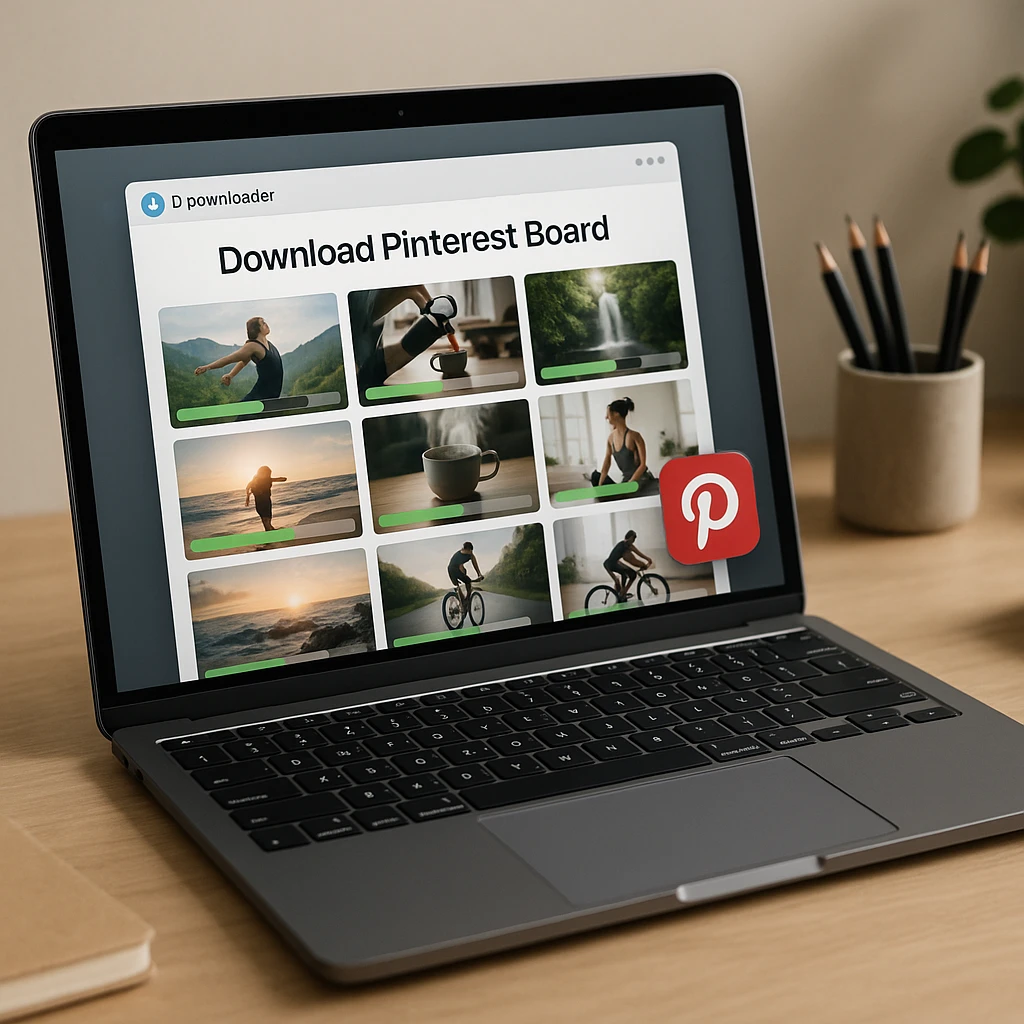
Batch Downloading Pinterest Boards
For power users who want to download entire Pinterest boards:
Copy the board URL from Pinterest (not individual pins)
Use desktop software like 4K Video Downloader+ or JDownloader 2
Paste the board link and select video-only filtering
Configure quality settings for all downloads
Start batch download and let the software process each video automatically
Converting Pinterest Videos to Other Formats
While MP4 is the most versatile format, you might need other options:
MP3 extraction
For Pinterest videos with great audio content
GIF creation
Turn short Pinterest videos into animated GIFs
Different resolutions
Optimize for specific devices or storage constraints
For comprehensive video conversion needs, check out our video converter tool which handles Pinterest downloads alongside format conversion in one streamlined process.
Troubleshooting Common Issues
"Video Link Not Working" Error
Solution: Ensure you're copying the direct pin URL, not a Pinterest search result or board URL. The link should look like: pinterest.com/pin/[numbers]/
"Download Failed" or "Server Error"
Solution: Try a different downloader tool. Pinterest occasionally blocks certain services, so having backup options ensures consistent access.
"Low Quality Download"
Solution: Check if the original Pinterest video was uploaded in higher quality. Some Pinterest videos are only available in 720p or lower resolution.
"Can't Find Downloaded Video"
Solution: Check your device's default download folder:
Windows: Downloads in File Explorer
Mac: Downloads in Finder
Android: Downloads in file manager
iOS: Files app > Downloads
Legal and Ethical Use Guidelines
Pinterest videos often feature copyrighted content, personal moments, or creative work. Follow these guidelines for responsible downloading:
Appropriate Uses
- -Personal reference and offline viewing
- -Educational research and analysis
- -Accessibility needs (captions, slower playback)
- -Backup of your own uploaded content
Avoid These Uses
- -Reposting without creator permission
- -Commercial use without licensing
- -Removing watermarks from branded content
- -Mass downloading for redistribution
Pinterest's copyright policy provides additional guidance on respecting content creators' rights.
Conclusion
For quick downloads on any device, online tools provide the most convenient solution. Android users benefit from dedicated apps for frequent downloading, while desktop software offers ultimate quality control and advanced features for power users.
Remember to use these tools responsibly - respecting content creators' rights ensures the Pinterest community continues to thrive with amazing video content. Whether you're saving cooking tutorials, workout routines, or creative inspiration, the right Pinterest video downloader makes your content accessible anywhere, anytime.
For users working with video content from multiple platforms, explore our guides on TikTok video downloading and Instagram video tools to build a comprehensive offline video library.
FAQ
Can I download private Pinterest videos?
You can only download private Pinterest videos if you have legitimate access to them (e.g., you're the creator or have been granted access). Attempting to bypass privacy settings violates Pinterest's terms of service.
What's the best Pinterest video downloader according to Reddit?
Reddit communities frequently recommend 4K Video Downloader+ for desktop users and SavePin.app for quick online downloads. Both receive consistent positive feedback for reliability and safety.
How do I ensure the downloaded video is MP4 and without watermarks?
Most reputable Pinterest video downloaders automatically provide MP4 format. For watermark-free downloads, choose tools that preserve the original video file rather than re-encoding it. Desktop software typically offers the best quality preservation.
Why is my Pinterest video download link not working?
Pinterest occasionally updates its video serving methods, temporarily breaking some downloader tools. If one tool fails, try an alternative from our recommended list. The issue usually resolves within 24-48 hours.
Can I download Pinterest videos in 4K quality?
Pinterest supports 4K uploads, but the availability depends on the original video quality. Use desktop software like 4K Video Downloader+ for the best chance of accessing maximum quality downloads.