Turn an MP4 Video Into an MP3
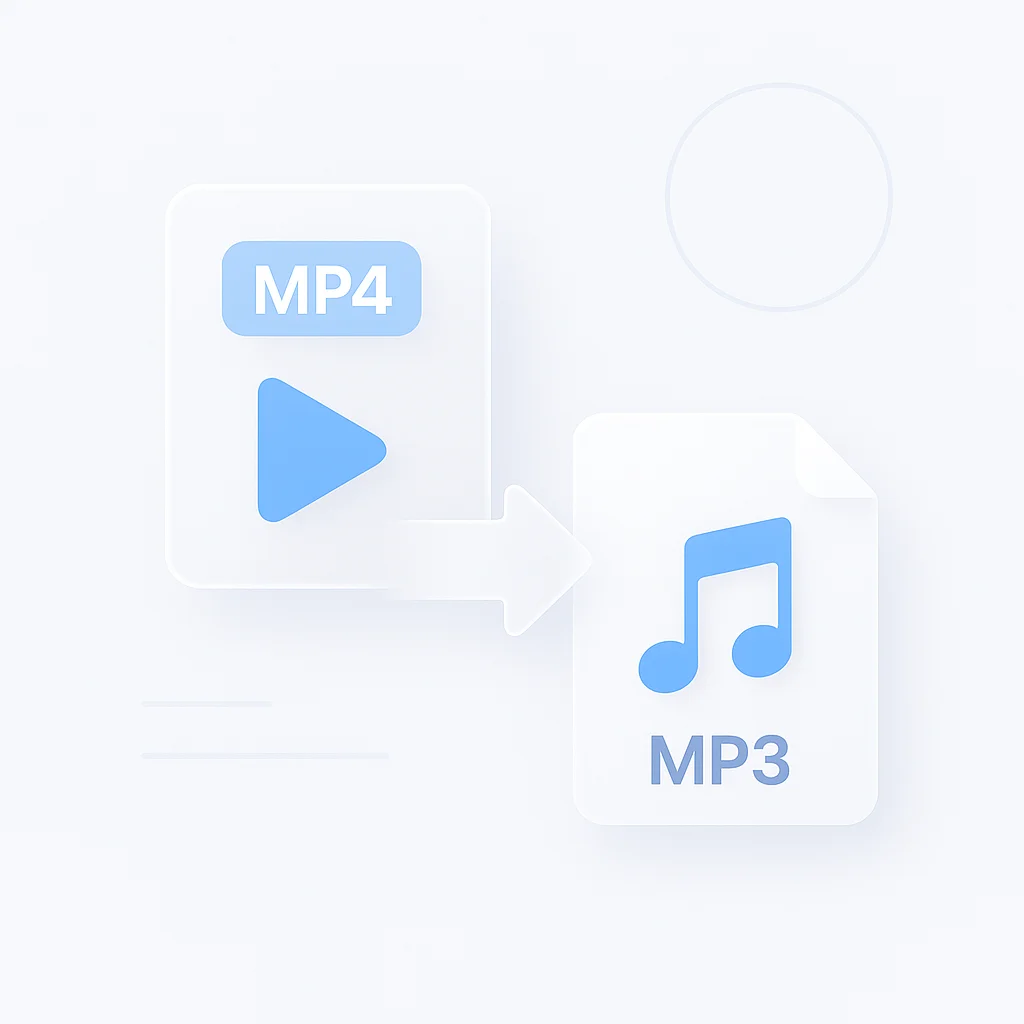
A filmed lecture you want on your commute. A podcast episode recorded on camera. A song from a music video. Upload the MP4 and download just the sound as an MP3: the picture is dropped, so the file is a fraction of the size and plays in any audio app.
Straight away, the part that decides whether this page is for you: downloading the MP3 is on paid plans. If you only need the audio file, a free converter is quicker, and I name them below.
What ScreenApp adds is the transcript. You can read or search what was said, find the part you want, and check it is the right video before you download anything.
The audio as an MP3
Downloaded with the Download Audio button on the file, with no watermark on any recording or export.
A transcript
In 100+ languages, exportable as PDF, DOCX, TXT, SRT and VTT.
Any video format
Not only MP4: MP4, M4V, MOV, AVI, WEBM, MKV, FLV, TS, MTS, M2TS, 3GP, 3GPP, 3G2, WMV, ASF, VOB, OGV, RM, RMVB, MPG, MPEG, M2V, F4V, MXF.
Big files and batches
Up to 2 GB in the tool on this page, and bulk upload of multiple files in the app.
Which Converter Should You Use?
You only need the audio
A song from a music video, a clip for a ringtone. Use FreeConvert or HappyScribe: free within their limits, and FreeConvert lets you trim before converting.
You need what is said too
A lecture, an interview, a filmed podcast. You get the MP3 plus a searchable transcript and AI chat on the same upload, kept in your library.
How to Convert MP4 to MP3
- Upload the MP4. Drop the video on the tool above, or pick it from your computer or phone. Sign in with a free account to save it.
- Let it process. ScreenApp stores the video and transcribes the audio. Both appear in your library when processing finishes.
- Download the MP3. Open the file and press Download Audio. Downloads are on paid plans, from $19 a month billed annually.
The MP3 can only be as good as the sound in the video. A phone recording in a noisy room stays noisy, and low-quality audio does not improve when it becomes an MP3. The transcript follows the same rule, so see how we measure accuracy for what affects it.
Keep only the part you need
Upload the MP4
Let it process in your library.
Find the moment
Search the transcript for where the part starts.
Trim, then download
ScreenApp can trim recordings, so the MP3 is only that part.
Trim first, and the MP3 holds only the part you will actually listen to.
Got a Link Instead of a File?
Plenty of people searching “MP4 to MP3” have a link, not a file: a YouTube video, a TikTok, a clip someone sent. You do not need to download the video first.
A YouTube video
The YouTube to MP3 page imports the link and gives you MP3 at about 190 kbps (VBR).
TikTok, Instagram and other links
The Extract Audio from Video Link page takes YouTube, TikTok, Instagram, Facebook, Vimeo and Loom links, direct audio and video links, PDFs and web articles.
An audio file instead
The MP3 converter turns WAV, M4A, FLAC and voice notes into MP3.
Other video files
The video to audio converter covers MOV, MKV and the rest.
What It Can and Cannot Do
Good at
- Keeping the full audio track of an MP4 as an MP3
- Any video format, not only MP4
- A transcript and AI chat on every video
- Trimming in the library before you download
Not built for
- Bitrate or sample rate settings: there are none to change
- Free MP3 downloads: Paid plans only
- Better sound: the MP3 is only as clean as the video audio
- Links on this page: use the link pages above for YouTube and TikTok
MP4 to MP3 Converter vs Other Tools
| Feature | ScreenApp | FreeConvert | HappyScribe | CloudConvert |
|---|---|---|---|---|
| Max file size, free | 2 GB (free online tool) | 1 GB | Not stated | 1 GB |
| Account needed | Free account | Not stated | no sign-up | Not stated on the tool page |
| MP3 download on the free plan | No | Yes | Yes | Yes |
| Trim before converting | After upload, in the library | Offers trim start and end times | Not stated | Not stated |
| Transcript of the video | Yes | Not stated | Separate tool | Not stated |
Sources, checked 2026-09-24: ScreenApp pricing, FreeConvert MP4 to MP3 converter, CloudConvert pricing, HappyScribe MP4 to MP3 converter
- vs FreeConvert: free files up to 1 GB, with trim start and end times, and uploads deleted after 8 hours. If you want a trimmed MP3 and nothing else, use it.
- vs HappyScribe: no sign-up, and it points you to its separate audio to text tool for a transcript. ScreenApp does both on the same upload, and the MP3 download is on paid plans.
- vs CloudConvert: 10 free conversions a day on files up to 1 GB. ScreenApp’s free plan is 3 uploads with no daily reset, each kept in your library with AI chat.
Who Converts MP4 to MP3
Students saving recorded lectures and webinars as MP3s for the commute, then searching the transcript when revising one topic.
Podcasters who film their episodes pulling the audio for the podcast feed, with the transcript ready for show notes.
Video editors separating the audio to clean it or reuse it as a voiceover in another clip.
Language learners, who replay the audio and read along with the transcript.